Free browser notifications
Visitors can choose to be notified when it is their turn. Included with free service queues.
Make the wait at the pharmacy counter easier to follow with a numbered service queue. Keep the public display focused on whose turn it is.

Visitors collecting an item and visitors needing a longer conversation can arrive together. An unclear line near the counter adds interruptions to individual service.
Service queue
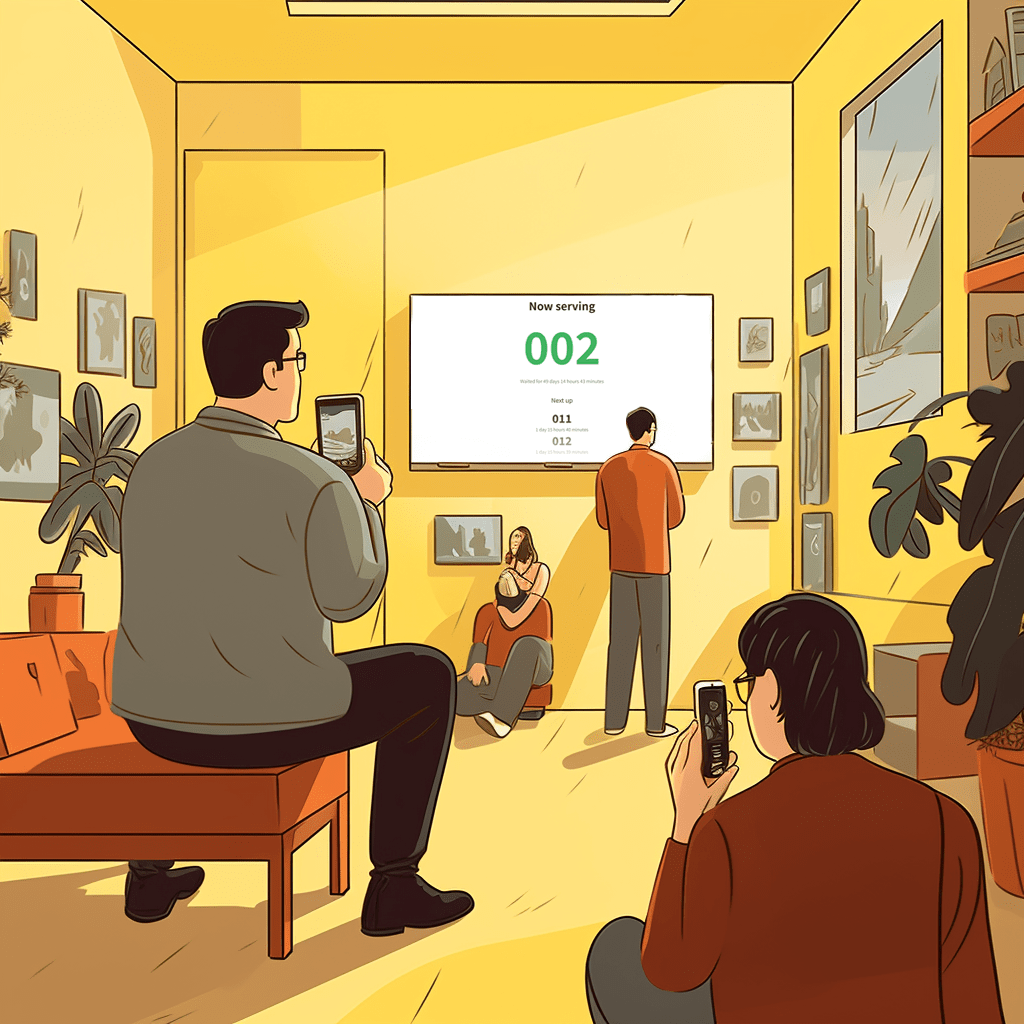
Customers join by QR code or link, follow their place on their phone, and staff call one customer at a time.
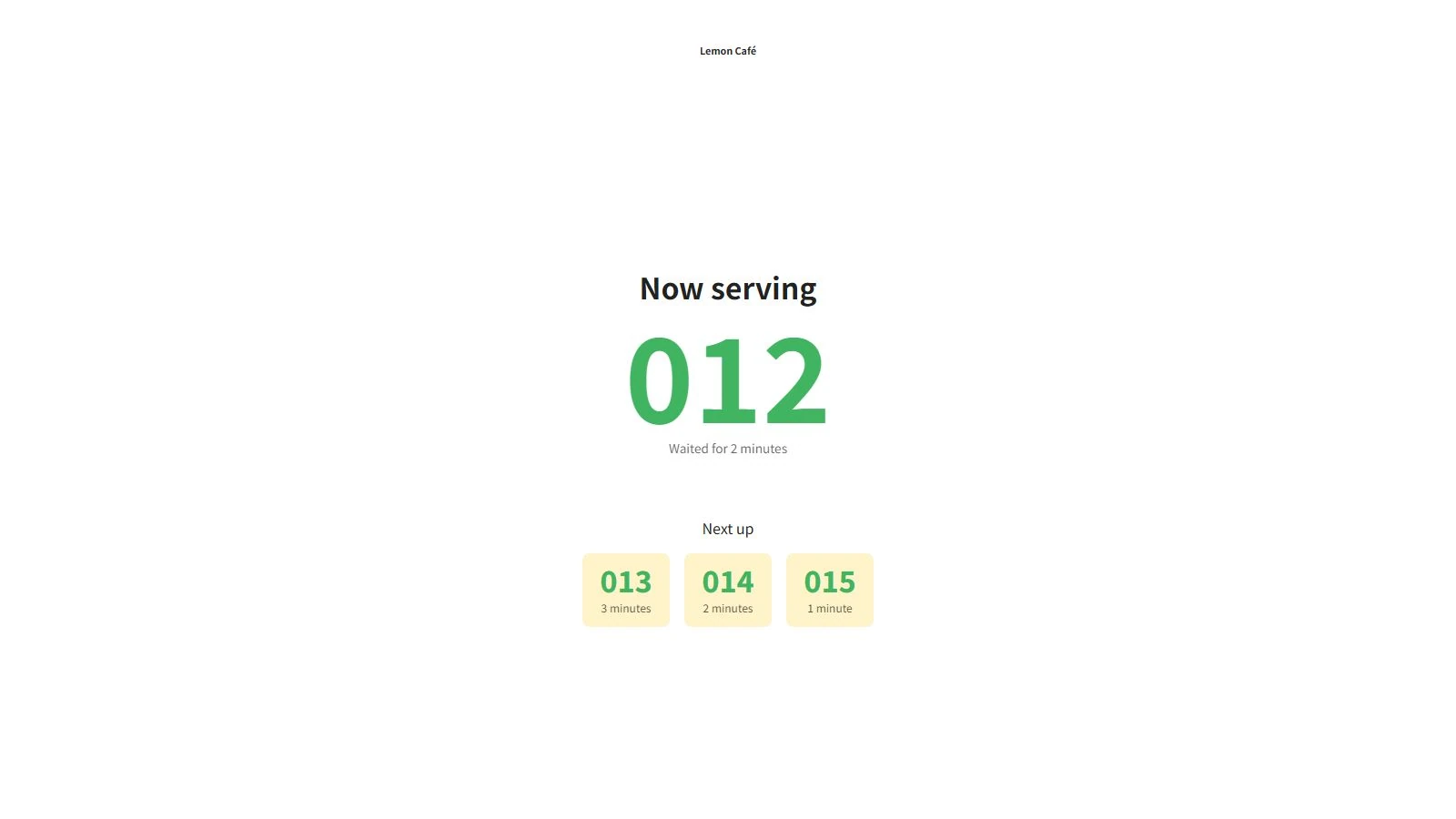
A visitor scans the counter QR code and receives a queue number. They follow their place on their phone while staff finish the current conversation, then approach when called. Prescription handling remains in the pharmacy’s existing system.
Keep visitors informed while they wait in a service queue.
Visitors can choose to be notified when it is their turn. Included with free service queues.
Let visitors know when they are next, before it is their turn. Enable this browser reminder for each service queue with Pro.
Visitors can opt into one SMS when they are next. Requires Pro, SMS enabled for the queue and separate prepaid balance paid by the business.
Browser notifications require permission. On iPhone, add the queue page to your Home Screen and open it there to enable them.
SMS requires no installation. Availability and message prices depend on the destination. Sign in and open Notifications to see current countries and prices.
No. It manages the waiting order at the counter. Prescription information, clinical decisions and patient records remain outside Linelemon in your established pharmacy systems.
Yes, as a separate queue for people waiting for service. Your existing system still handles bookings, payments and customer records. Staff manage the queue in Linelemon; it does not automatically synchronize with those systems.
Use an internet-connected phone, tablet or computer for staff, and a browser on a screen for the display. Customers do not need to install an app to join a queue or view the board. Keep the internet connection available during service.
Yes. Service queues and pickup boards are free to use. Browser notifications when it is your turn in a service queue are also free. Customize Pro is an optional paid subscription for branding, customization and advance queue reminders. SMS reminders require Pro and separate prepaid balance.
Give customers a better way to wait and your team an easier way to manage the rush.
Create your first service queue or pickup board with Linelemon. It's free, simple, and ready when you are.

Linelemon is a product by Accomplice AB, Stockholm, Sweden.
Contact us at
support@linelemon.com