For busy cafés 🍋 free during beta

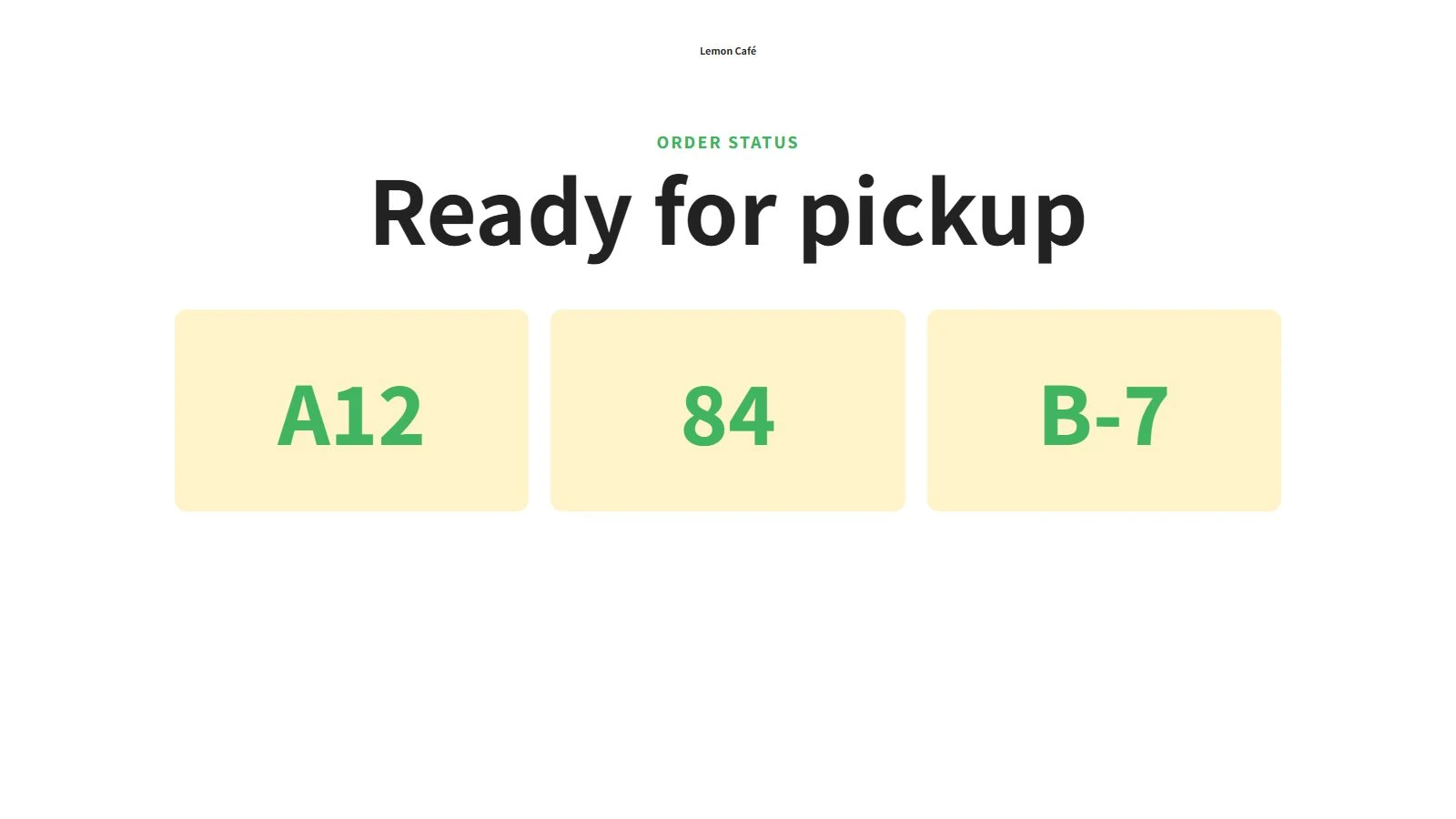
Order-ready pickup board in 1 min

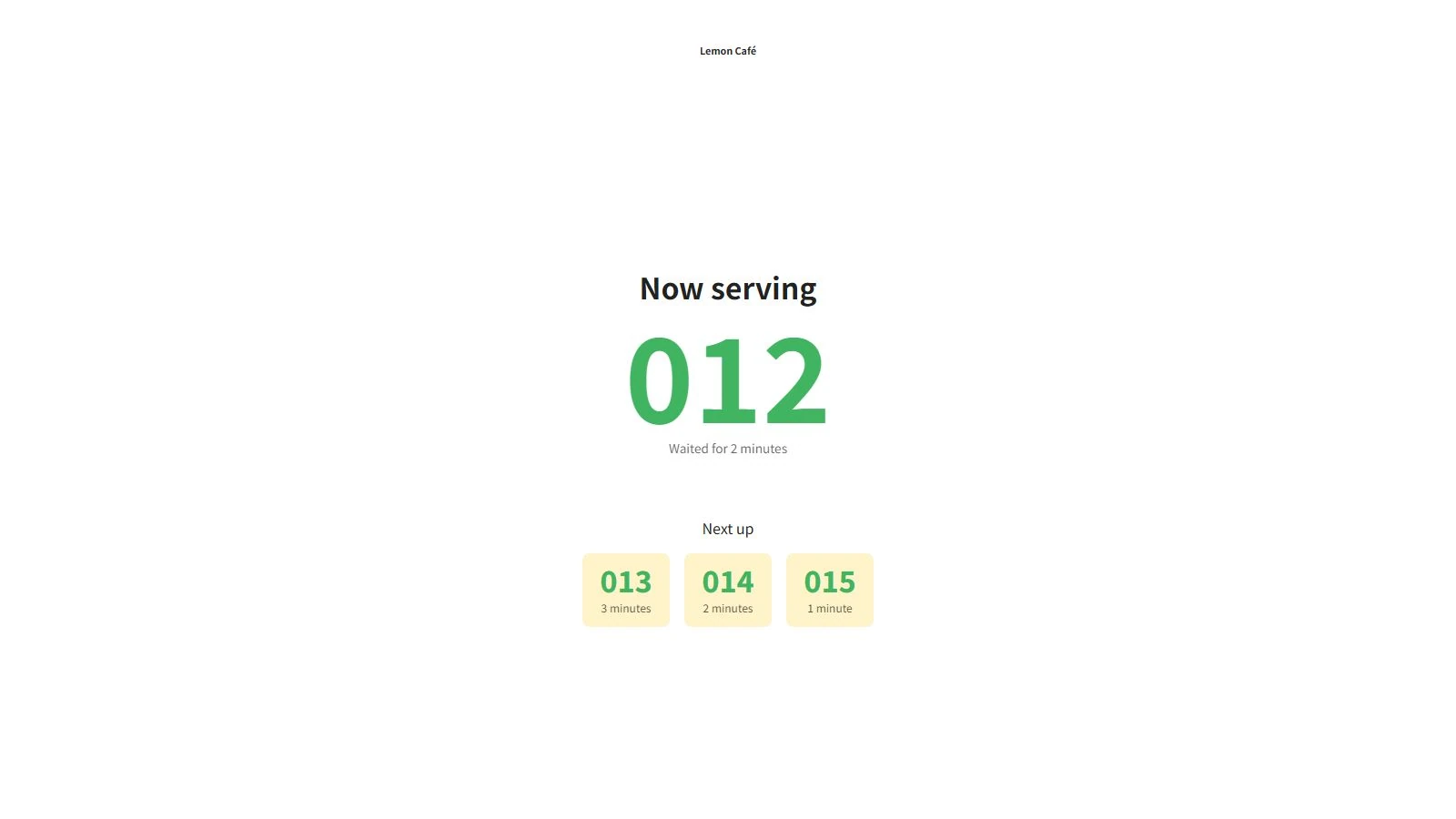
Use the number already printed on the receipt, show several ready orders at once, and reduce crowding around the counter.

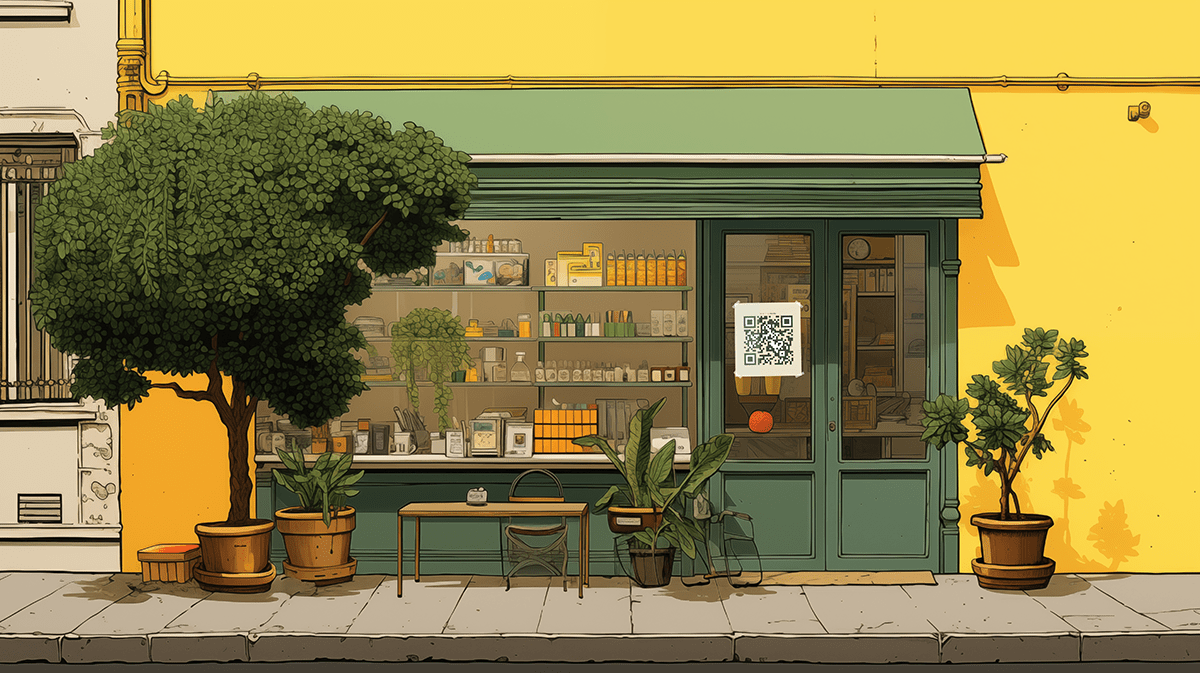
Step 1. Create a pickup board

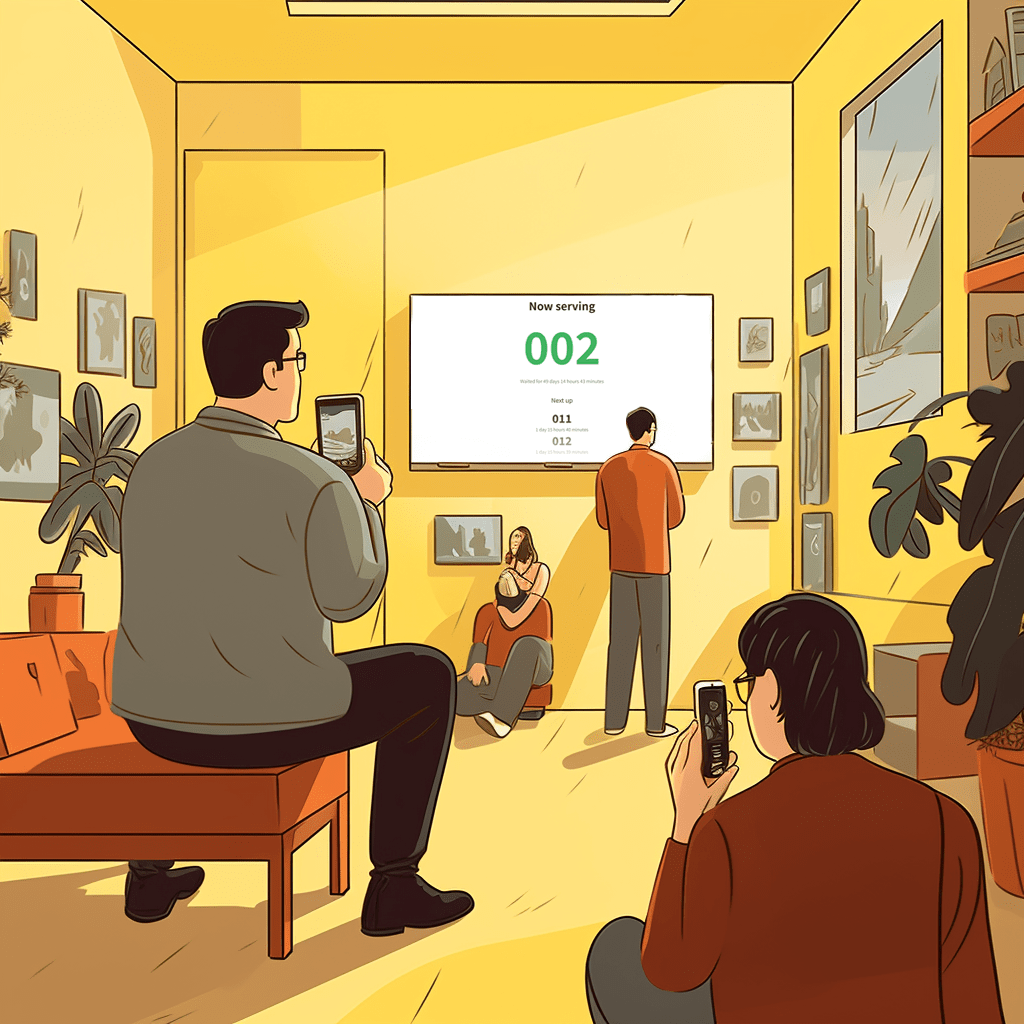
Step 2. Show the board at the counter

Step 3. Type the order number when the food is ready

Free during beta

Test the workflow during real café service without a license discussion.

Existing order numbers

Use the number already printed by the till. No POS integration is required.

Several ready at once

Customers immediately see which orders are ready to collect.

Service queues still included

Use the classic queue whenever customers should be helped one at a time.

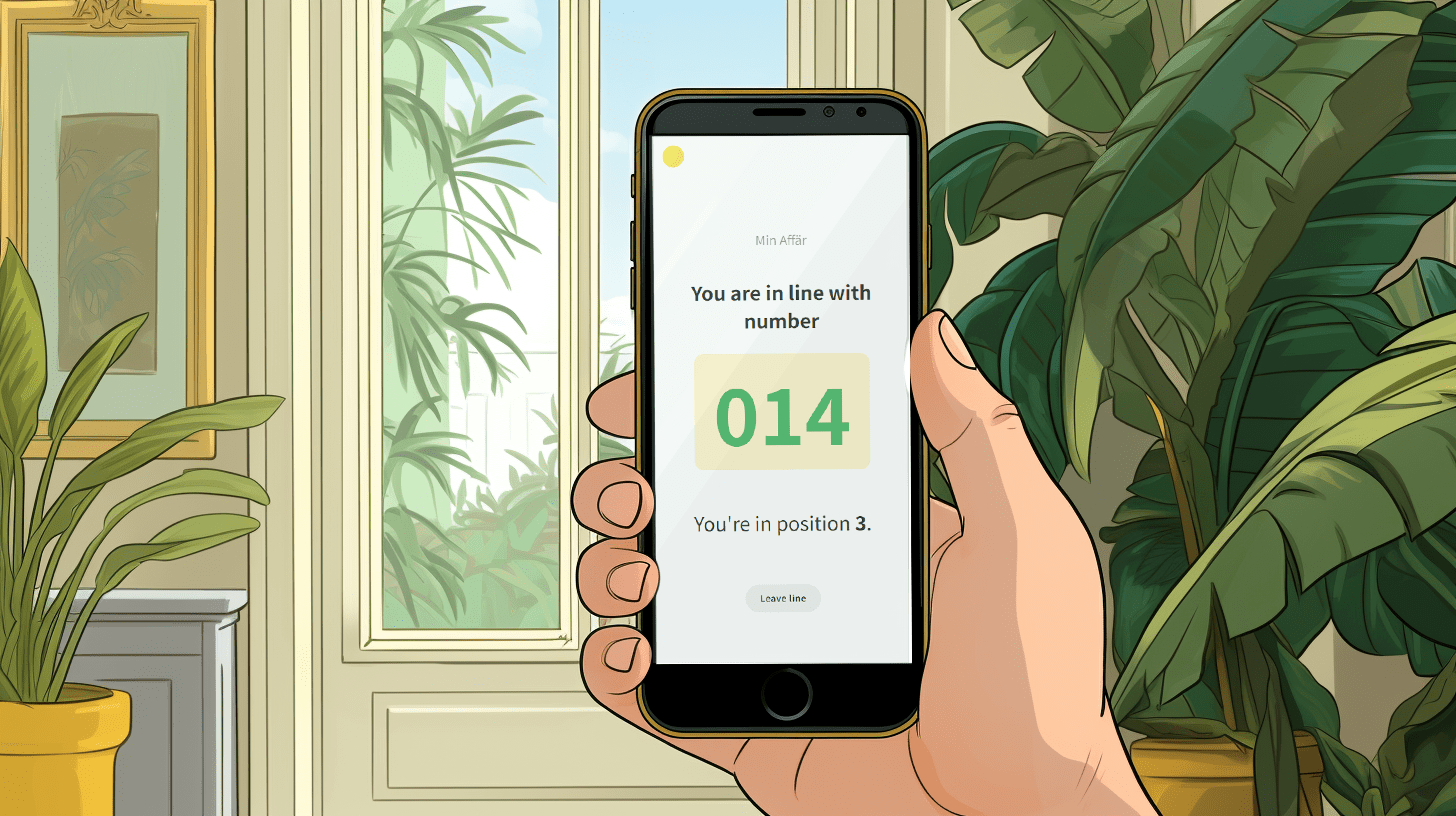
Managing customer flow in our seasonal business is challenging. Linelemon made it easy to create a digital queue. Customers appreciate joining by QR code, and the queue display has reduced waiting-time confusion.


Karl Volander

Karl Volander
Owner, Lilla Kaffestugan

Keep exploring

Start a digital queue before the next rush.

Linelemon is free to try and makes it simple to show a QR code, share a queue link, and manage the flow at the counter.

Create your first queue in a few minutes.


Start free beta