How Linelemon works for businesses and customers
Create a queue, show a QR code, let customers join the line, and manage the flow clearly at the counter.
From physical line to clear flow.
Linelemon focuses on the few steps that matter most in a physical business: start the queue, show customers how to join, and keep both customers and staff oriented.
Name the queue and decide how customers should enter the flow.
Place the QR code where customers already look, or share the queue link.
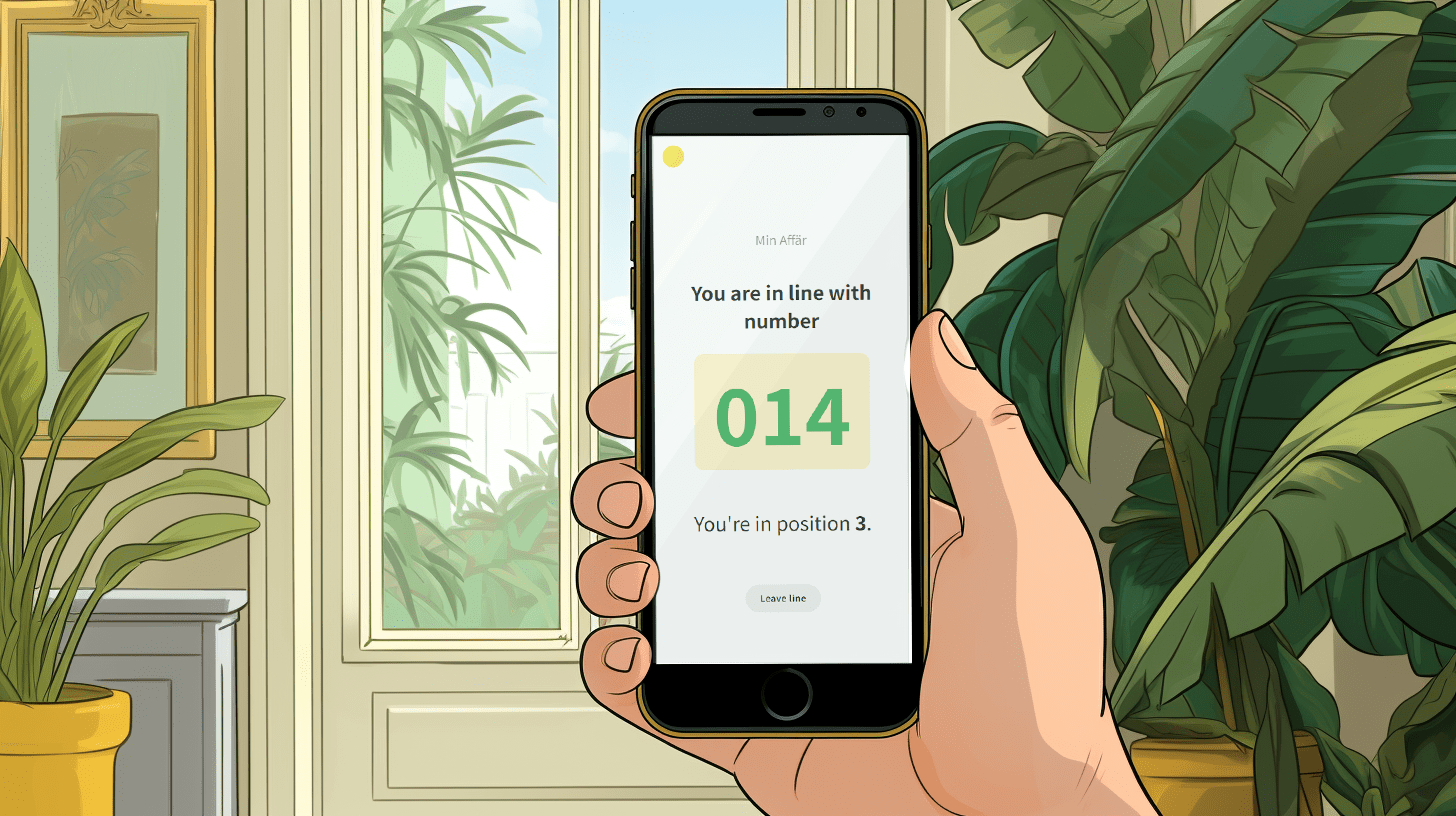
Customers see their place and estimated waiting time on their phone.
Staff get a clearer overview and can call the next customer.
For customers: a clearer wait
Customers join the queue through a QR code on site or through a queue link. After that they can follow their place and estimated waiting time on their phone.
That makes waiting easier to understand and gives customers freedom to keep browsing, sit down or wait more comfortably instead of guarding a physical line.
For staff: better overview at the counter
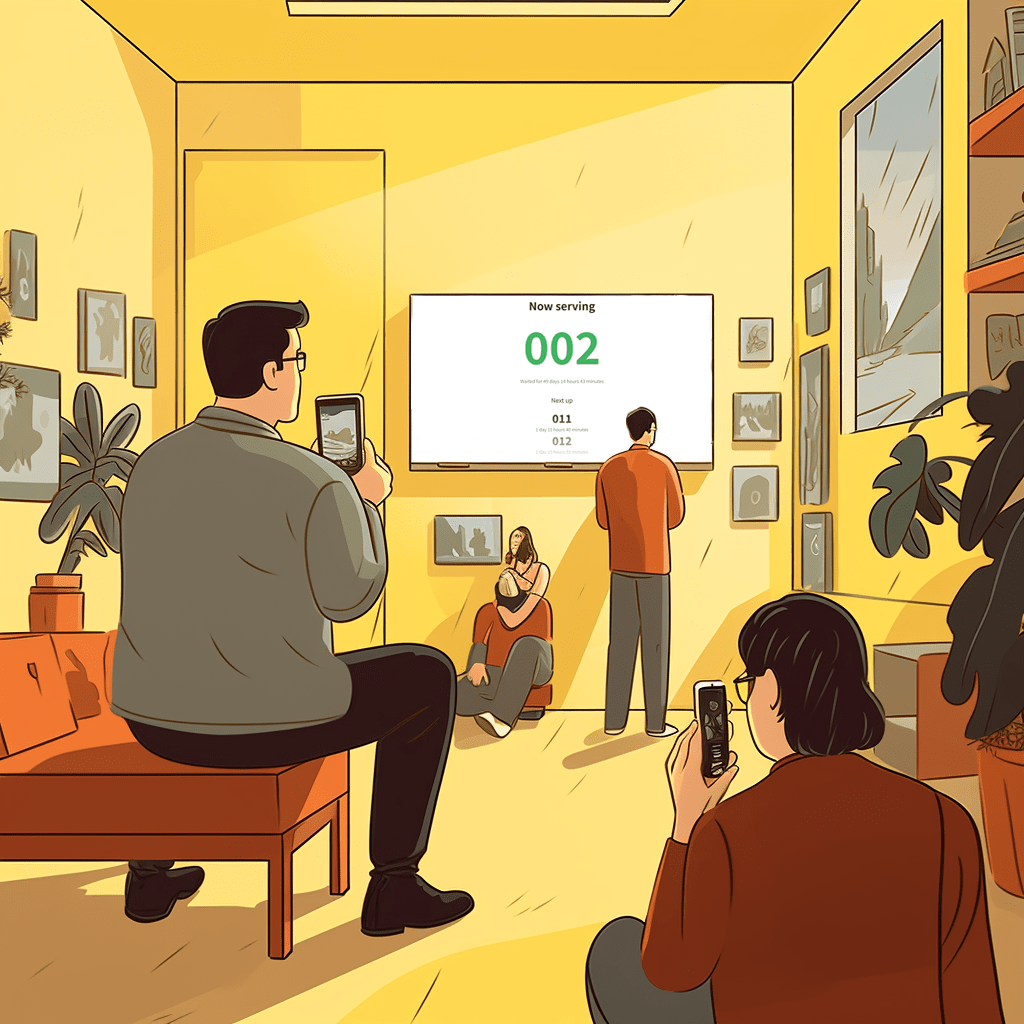
Staff can work from a clearer flow and call the next customer when it is time. The queue display shows the current state and makes the order easier to understand.
If the business has different types of errands, multiple queues can live under the same account so ordering, pickup and service do not blend together.

The next step is to try a real queue.
Start simply: create a queue, show the QR code, and let staff use the counter view as customers arrive.
Start with one queue and see the difference in your daily flow.
Linelemon is free to use, fast to set up, and built for physical businesses that want waiting to feel clear for customers and manageable for staff.
Create a free queue Read the FAQ