Frequently asked questions about Linelemon
Answers to common questions about how Linelemon works, who it fits, why digital queues help, and how to get started for free.
Clear answers before you start.
Find out how Linelemon works, what customers see, what staff can manage, and where to read the privacy and terms details.
Is Linelemon free?
Yes. Linelemon is free to use. You can create service queues and pickup boards, share a QR code or link, and give customers a clearer view of the current flow.
Who is Linelemon best suited for?
Linelemon fits stores, cafes, pop-ups, seasonal businesses and smaller events where customers arrive without appointments and the team needs a clearer way to handle waiting.
Do customers need to install an app?
No. Customers join through a QR code or queue link and follow the queue in the browser on their phone.
Can we manage more than one queue?
Yes. A business can manage multiple queues under the same account, which helps separate flows such as ordering, pickup and service questions.
What can staff see?
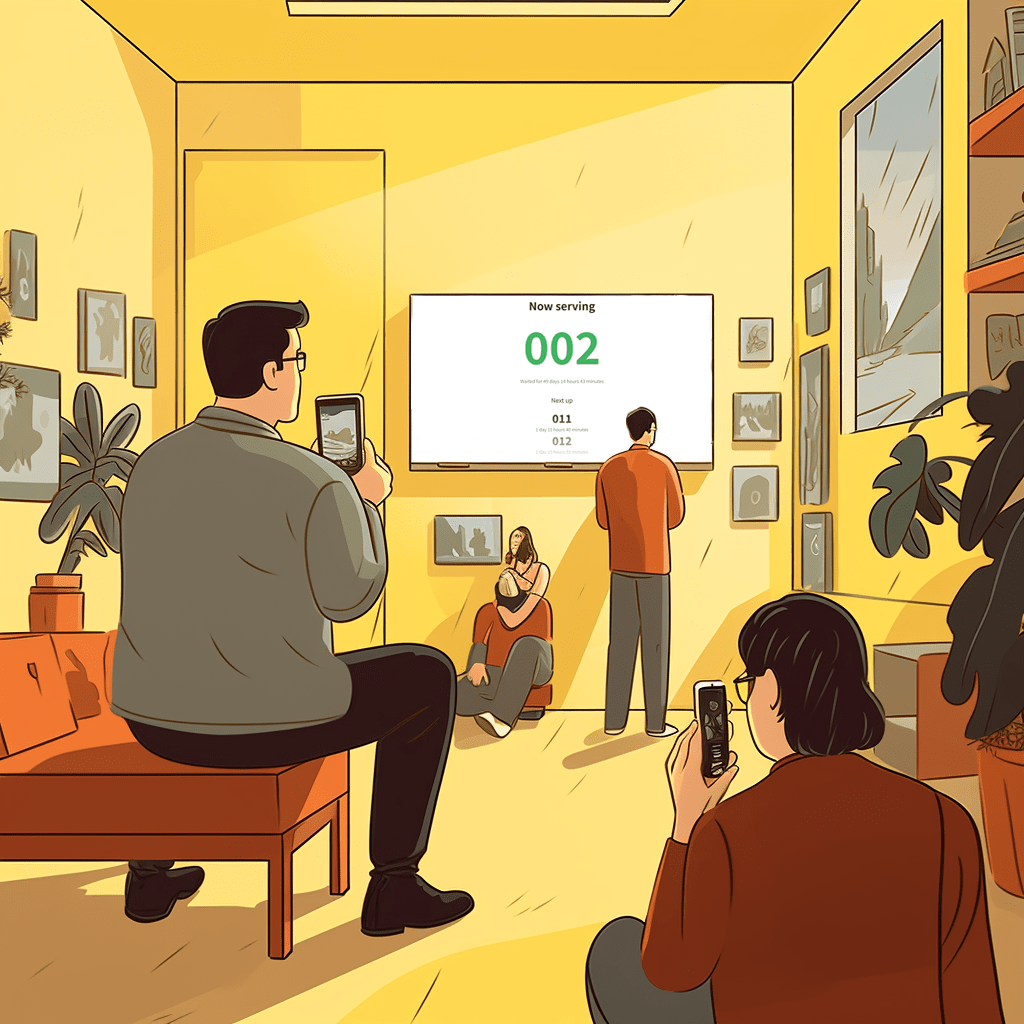
Staff can use the counter tools to see the queue and call the next customer. A queue display can also show the current situation more clearly for waiting customers.
Where can I read about privacy and terms?
The privacy policy and terms of service are linked in the footer. They explain the current handling of personal information and the terms for using Linelemon.
Need to ask something first?
Email support@linelemon.com and tell us what kind of queue you want to improve.
Keep exploring
Start with one queue and see the difference in your daily flow.
Linelemon is free to use, fast to set up, and built for physical businesses that want waiting to feel clear for customers and manageable for staff.
Create a free queue Read the FAQ