Free browser notifications
Visitors can choose to be notified when it is their turn. Included with free service queues.
A digital queue system helps businesses organize waiting customers without keeping them locked in a physical line.
The first problem is uncertainty: how long is the queue and how long does the customer need to wait? The second is crowding: does the customer have to stand in the same place the whole time? The third is interruption: does staff need to answer the same queue questions over and over?
When customers can join by QR code or link and then follow their place on the phone, waiting becomes clearer. That creates calmer spaces, fewer interruptions and a more professional first impression.
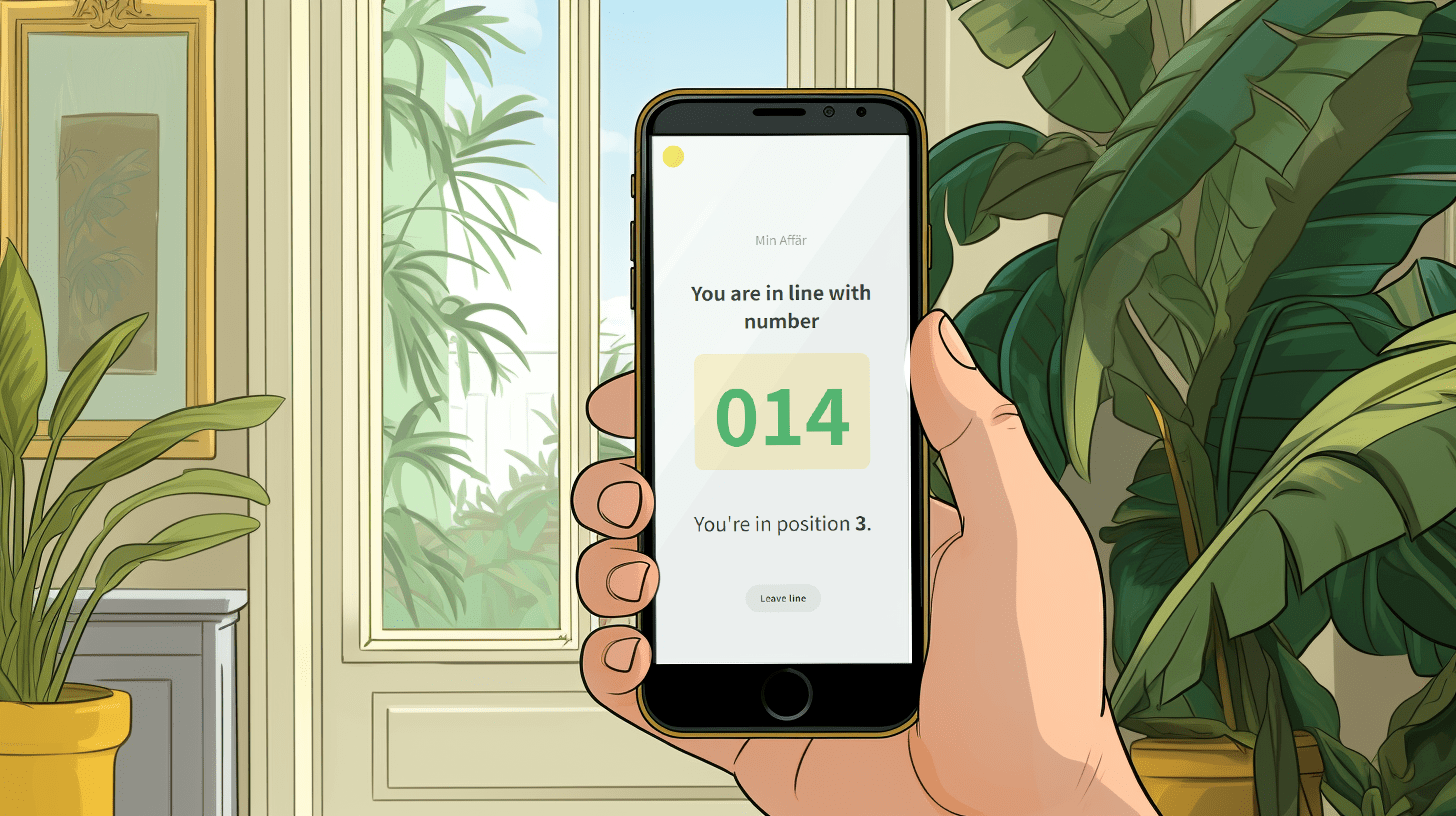
Start with the essentials: queue setup, QR code entry, mobile status, a live display, and counter tools in one place.
Keep visitors informed while they wait in a service queue.
Visitors can choose to be notified when it is their turn. Included with free service queues.
Let visitors know when they are next, before it is their turn. Enable this browser reminder for each service queue with Pro.
Visitors can opt into one SMS when they are next. Requires Pro, SMS enabled for the queue and separate prepaid balance paid by the business.
Browser notifications require permission. On iPhone, add the queue page to your Home Screen and open it there to enable them.
SMS requires no installation. Availability and message prices depend on the destination. Sign in and open Notifications to see current countries and prices.
Linelemon is built for businesses that want to get started quickly. You create a queue, show a QR code, share a queue link, and use the queue display and counter tools to manage the flow.
It fits especially well for stores, cafes, pop-ups, smaller events and other businesses where many visitors arrive without appointments.

Linelemon is free to use, fast to set up, and built for physical businesses that want waiting to feel clear for customers and manageable for staff.
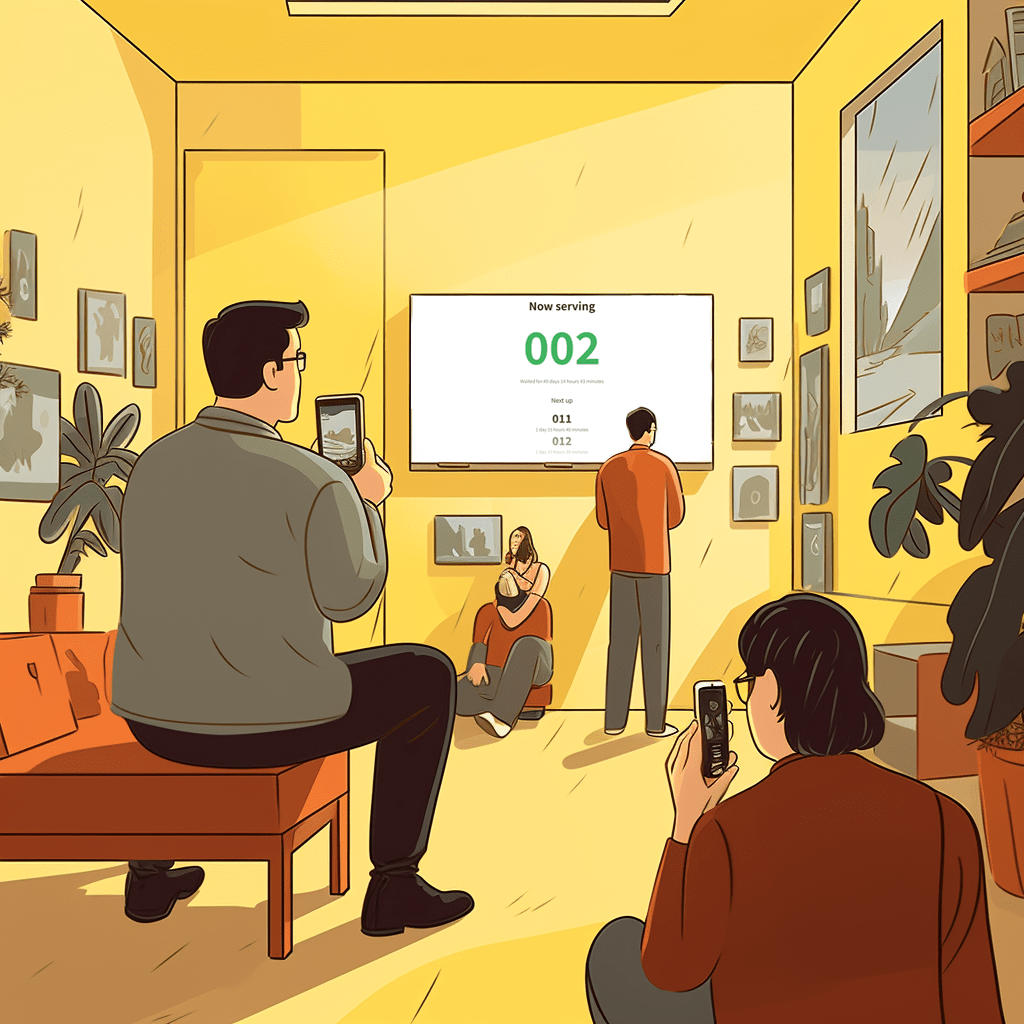

Linelemon is a product by Accomplice AB, Stockholm, Sweden.
Contact us at
support@linelemon.com